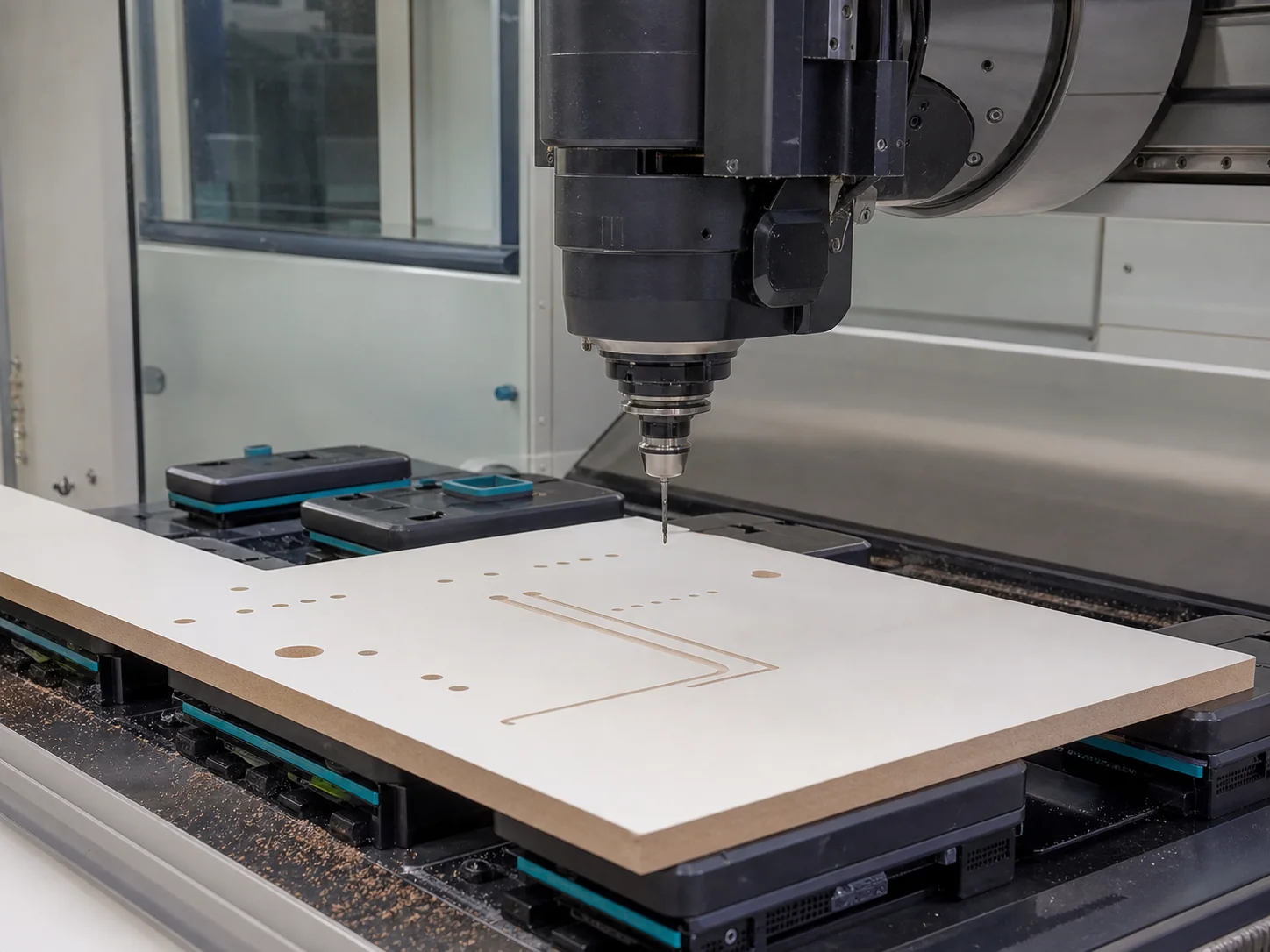
CNC machining of a board component

CNC machining

Detail makes the difference.

Add drilling, grooves, shaping and uploaded references to the relevant component for technical verification.

DXF
geometry support
MPR
machine-reference support
PDF/XLSX
review references

Plan the specialist work

Keep geometry, drawings and specialist instructions with the part.

Machining instructions are not separated from the cutting list. Uploaded geometry and references stay connected to the exact component they describe.

Supported operations

Choose the work available for the exact part.

Configured drilling, grooves and shaped work depend on the component role, board and enabled production capability. Handle drilling is not a commissioned public operation; a reference does not make an unavailable operation selectable.

Specialist work

Attach the evidence required for review.

Drawings and supported production references can accompany work that cannot be expressed by dimensions alone.

Machine release

Verification remains a release condition.

Machine files are released only for configured equipment and approved output formats. A visual preview is an inspection aid, not manufacturing authority.

A reviewable machining brief

The part, datum and operation belong in the same brief.

Begin with the exact component and board, then add only the compatible operations available for that part. Specialist references need clear units, orientation, faces, depths and revision. Uploaded evidence is not released machine output; uncommissioned operations stay outside the supported path.

Machining-reference diagram · symbolic operations, not executable CNC geometry
Add machining to a cut listDefine the finished part before choosing an operation.Prepare a specialist questionInclude the exact part and focused drawing reference.Read the Shaker review boundaryVisual field layout remains separate from profile routing.

Machining brief

Geometry needs an identifiable part and a reviewable reference.

Configured operations and uploaded files remain useful only when their scale, orientation and relationship to the component are clear.

Start with the finished part

Define the component, material, thickness and finished dimensions before adding operations.

Describe the operation

Use configured drilling, grooves or shaping where supported and attach a drawing when dimensions alone are insufficient.

Verify before release

Technical review confirms whether the supplied reference can become approved output for configured equipment.

Reference preparation

Make specialist files understandable without guesswork.

Supported formats are evidence for review; the file extension alone does not prove production readiness.

Add machining to a cut list
  1. Matching component name

  2. Units and scale

  3. Material and finished thickness

  4. Clear origin, datum or reference edges

  5. Operation depths and relevant faces

  6. Readable revision or drawing reference

Before you begin

A few useful answers.

The practical details, so you can take the next step with confidence.

Which reference formats can accompany a component?

The current workflow supports DXF and MPR references together with PDF and XLSX review documents.

Does uploading a file guarantee it can be machined?

No. Scale, orientation, operations, equipment compatibility and production output must be reviewed.

Can machining be specified without naming the component?

No. Operations and references must remain connected to the exact part they describe.

Prepare machining

Start with the component and add its operations.

Have datum, hardware and drawing information ready for specialist work.