
Discover
Find the board by code or name.
Search by code or name, then narrow the catalogue with Manufacturer, Core material and Thickness. Open the material to inspect its exact sheet variant.
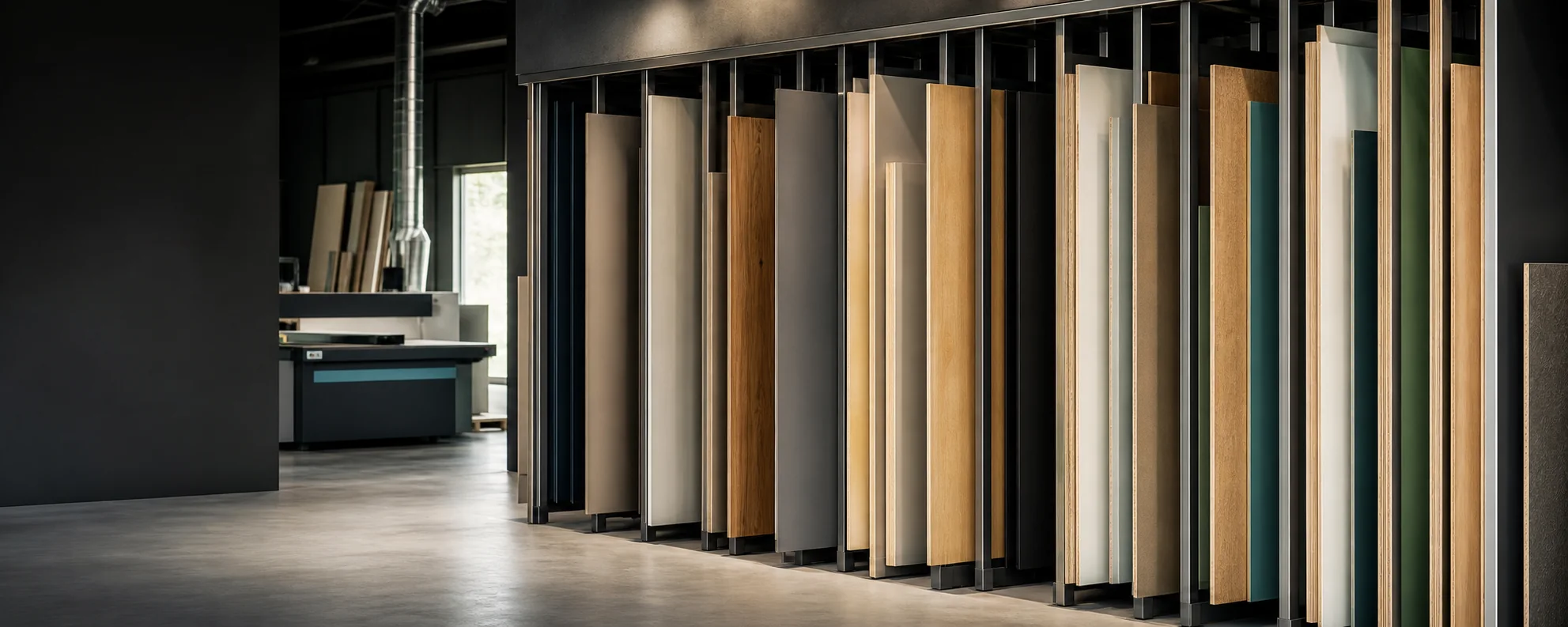
Materials library
Browse the live catalogue before beginning a furniture design or cutting list, then carry the exact product identity into the project.
More than a colour
The material library is the common source for Studio and Board Cutting. It records actual product identity instead of relying on a visual colour name alone.
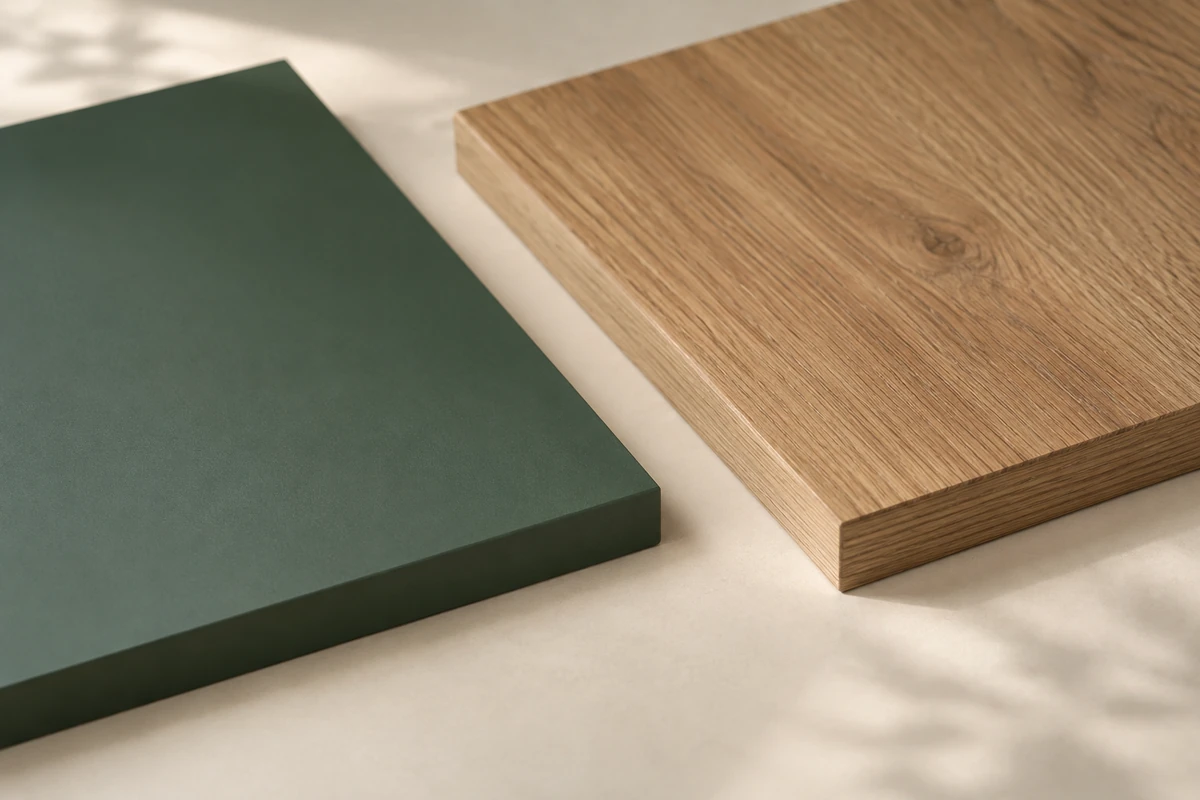
A closer look
Use these textures for inspiration. The live catalogue carries the manufacturer, decor, thickness and sheet format for your chosen board. Check colour, grain scale and sheen against the supplier’s reference.
Browse the board catalogueDiscover
Search by code or name, then narrow the catalogue with Manufacturer, Core material and Thickness. Open the material to inspect its exact sheet variant.
Verify
Check the manufacturer code, exact SKU, thickness, sheet length and sheet width. Keep grain and required operations explicit in your project rather than inferring them from a photograph.
Use
In furniture design, assign materials to the zones the recipe exposes. In a cutting list, select the exact board for each panel. A visual preference does not approve a material for every operation.
Read the board, not just the colour
A manufacturer code identifies the decor. The sheet variant fixes thickness and format. Your project adds the grain, edges and operations it needs.
Read the catalogue entry
The production identity combines manufacturer information with the physical board data that affects cutting, orientation and compatibility.
Use manufacturer and product code to distinguish similarly named decors and board families.
Check thickness, sheet dimensions and material type before assigning the board to a component.
Confirm grain, edging and any machining or finish requirements when preparing the project; the scene alone cannot establish compatibility.
Material comparison
Visual preference is only one input; the selected product must also fit the component and required operations.
Open the materials libraryManufacturer and product code
○Material or board family
○Decor or supplied surface
○Thickness and sheet format
○Grain direction where published
○Compatibility with required edges, machining or finish
○Before you begin
The practical details, so you can take the next step with confidence.
A product code identifies the manufacturer board more precisely than a visual name that may exist across multiple ranges.
Yes. Furniture projects and Board Cutting use the same published material source.
No. The catalogue identifies selectable products. Current availability and the requirements of the project still apply.
No. Illustrative scenes help explore a style. Check colour, grain scale and sheen against the manufacturer reference for the exact board.
Browse materials
Catalogue totals and availability come from the live material service.